Skip to content

Nice ID gives you access to your gateway from almost anywhere in the world.

Requirements

  • Mobile phone or laptop with internet connection.
  • Any web browser.

STEP BY STEP GUIDE

STEP 1

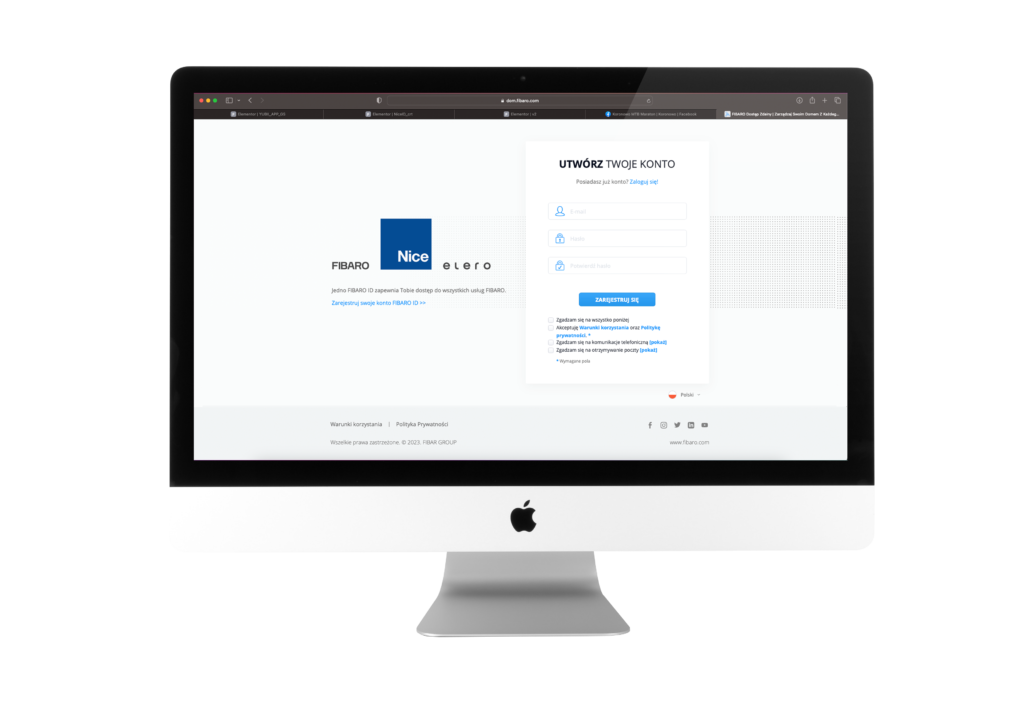
Enter https://dom.fibaro.com in your web browser.

STEP 2

Start creating your Nice ID account

STEP 3
Enter required data
 and click "sign up"

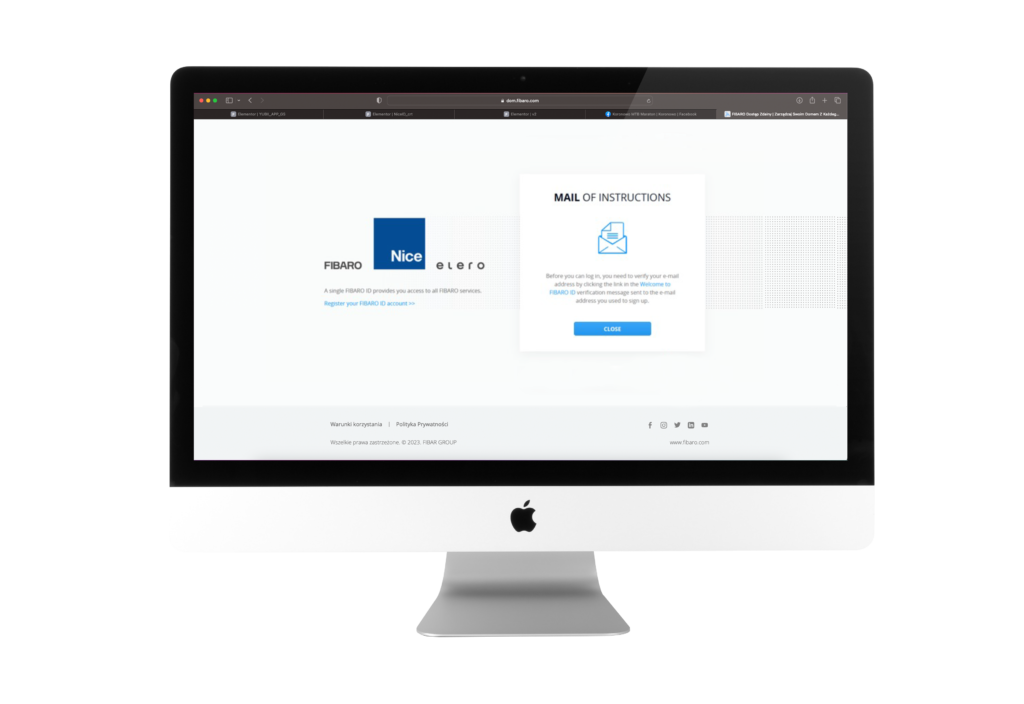
An e-mail has been sent to the address you provided with a request to confirm your registration.

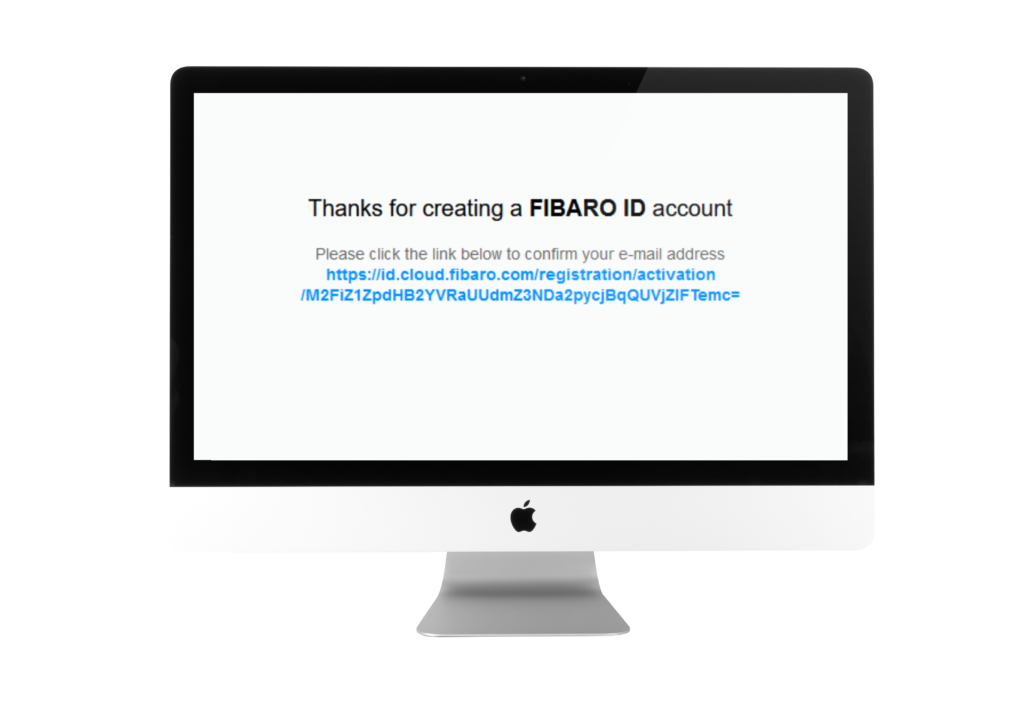
STEP 5

Click link to confirm registration

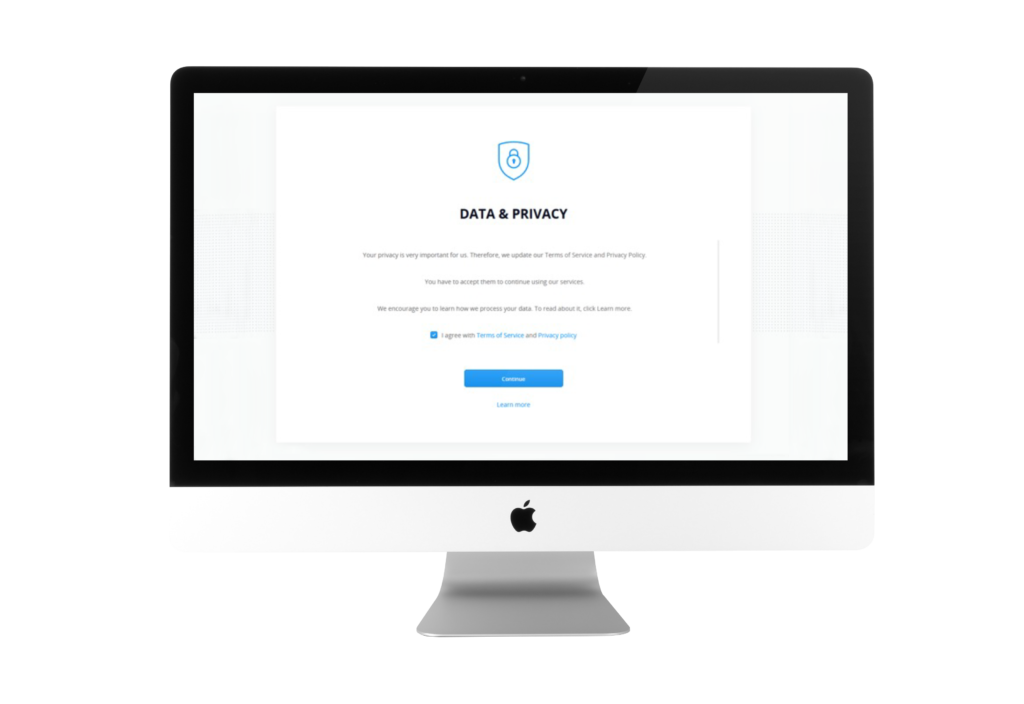
STEP 6

Click "Continue"

Done!

Your Nice ID account has been created.
Now you can log in.

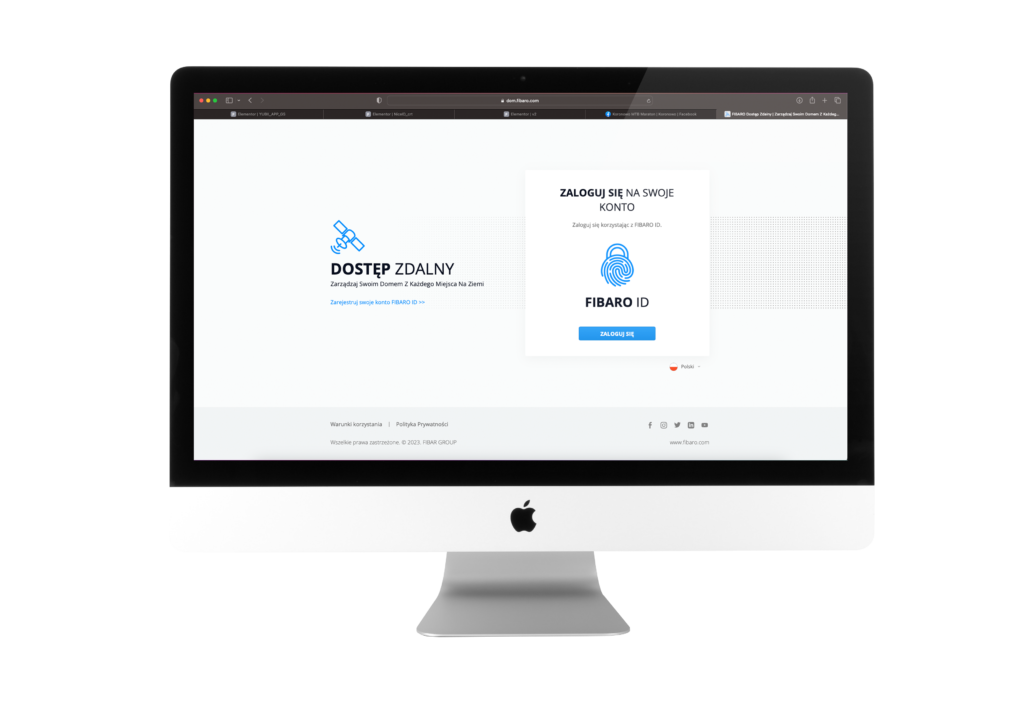
STEP 7

Log in to your Nice ID account

Note.

Here you can find information how to add your Gateway to Nice ID account.