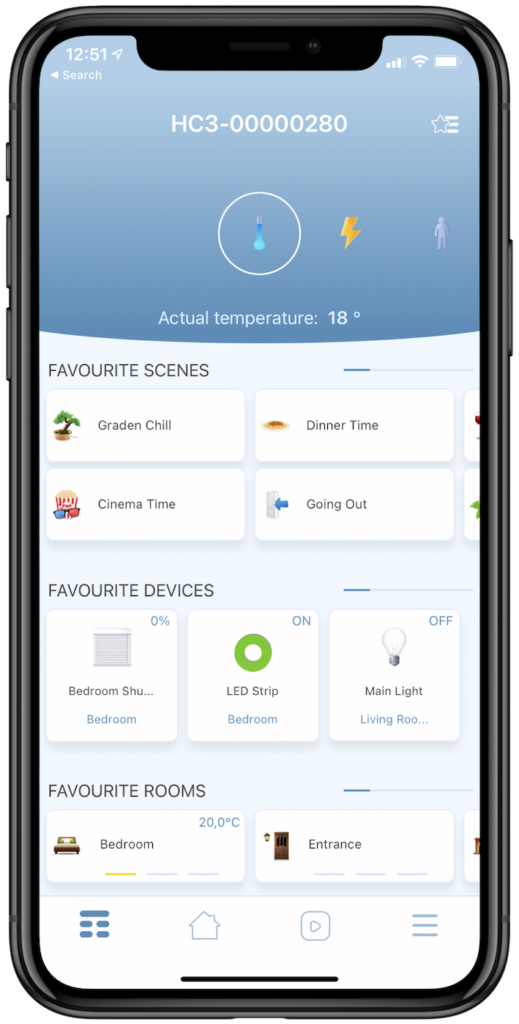
Description
Here is how to start your journey with the Yubii Home mobile app
Requirements
- Yubii Home connected to the network.
- Mobile device with iOS or Android with an active Internet connection.
- FIBARO ID (recommended).
Step-by-step guide
Installation of Yubii Home mobile application.
- Download and install our mobile app from the App Store or Play Store.


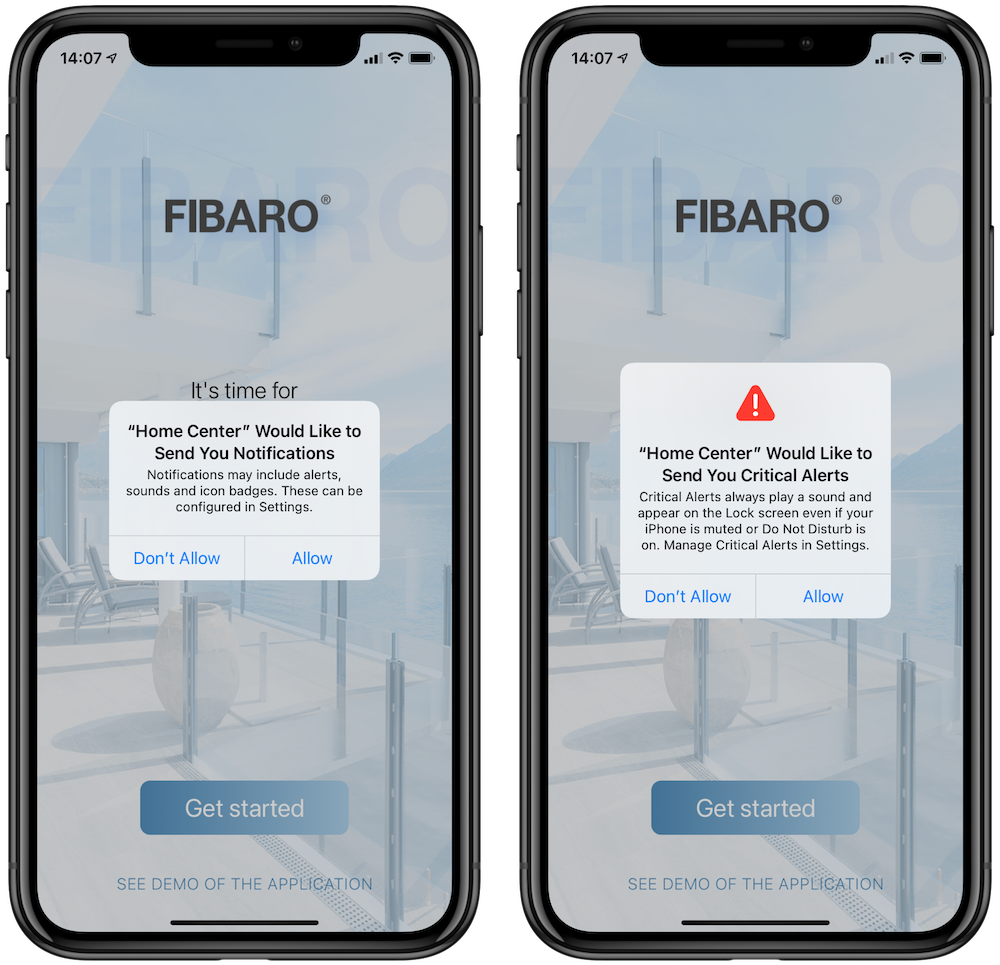
2. When you open FIBARO app for the first time you need to grant necessary permissions:
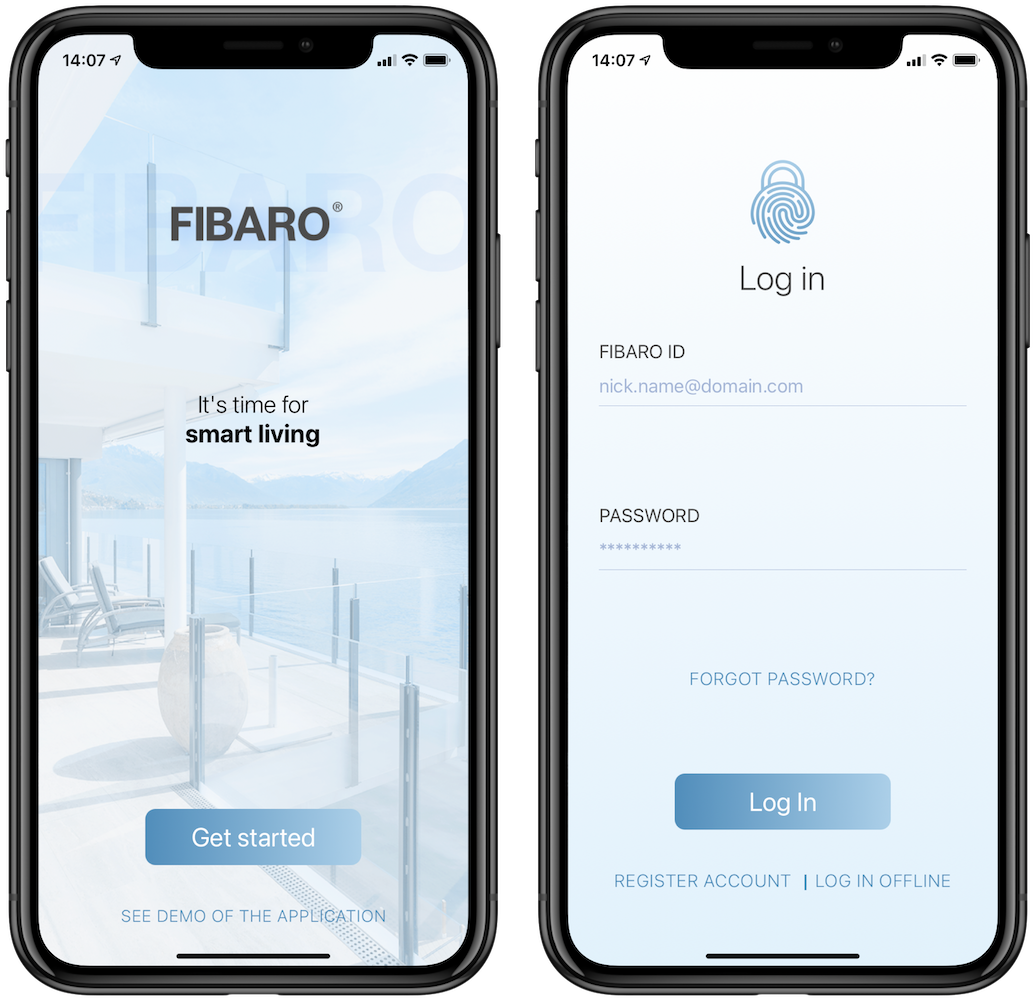
3. To log in, tap Get Started and enter your FIBARO ID credentials.
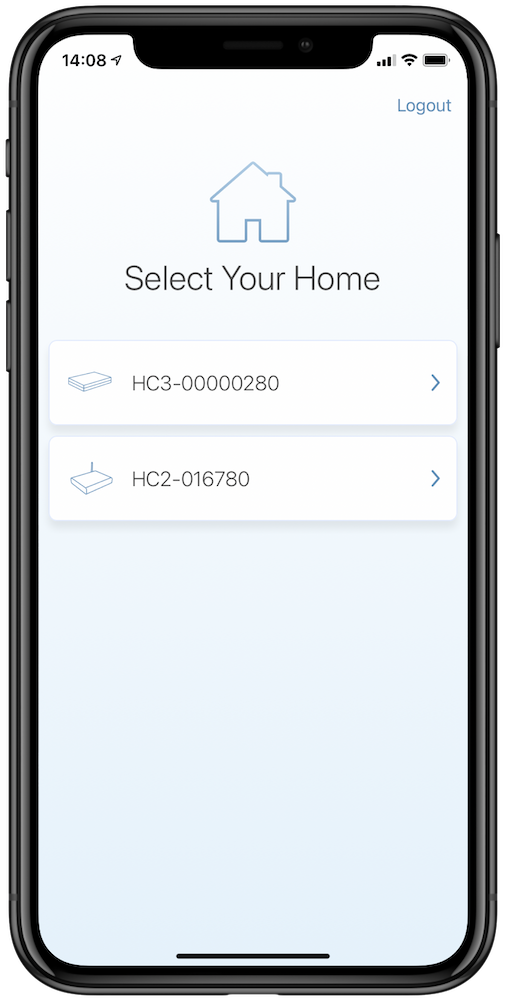
4. Select the gateway you want to connect to.
5. During the first launch of the app you will see a guideline. Swipe through hints or tap Skip.
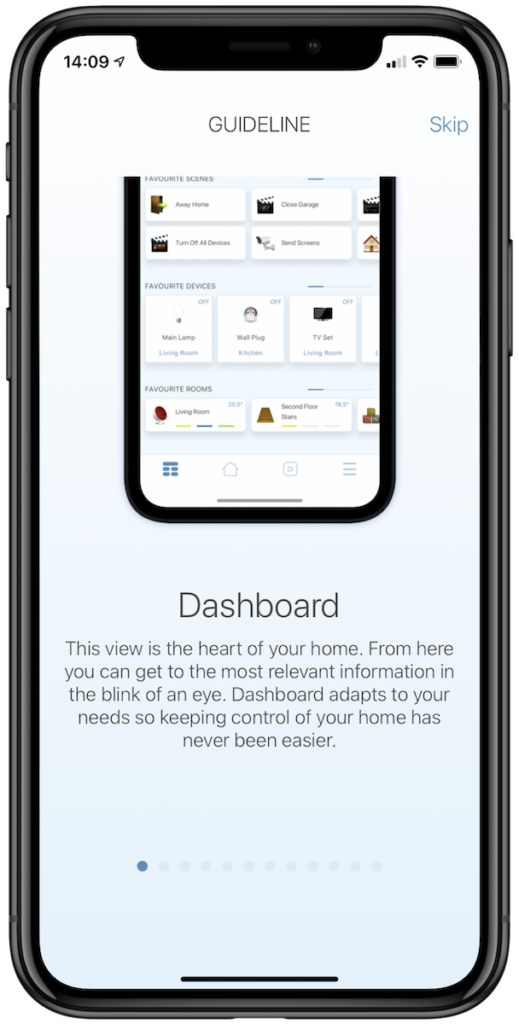
6. Done, Home Center on your mobile device is now ready.